
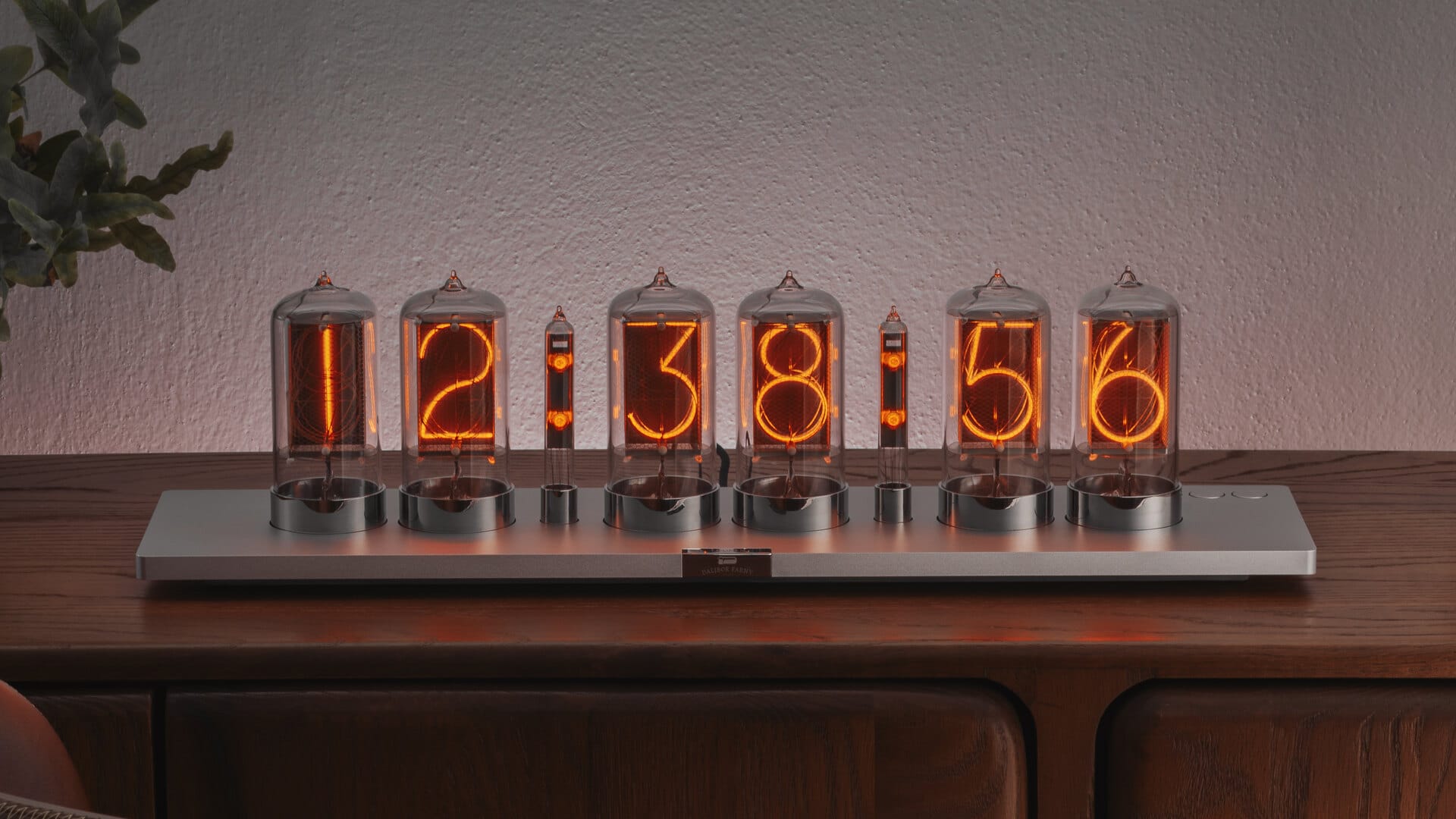
Second Generation · 2026
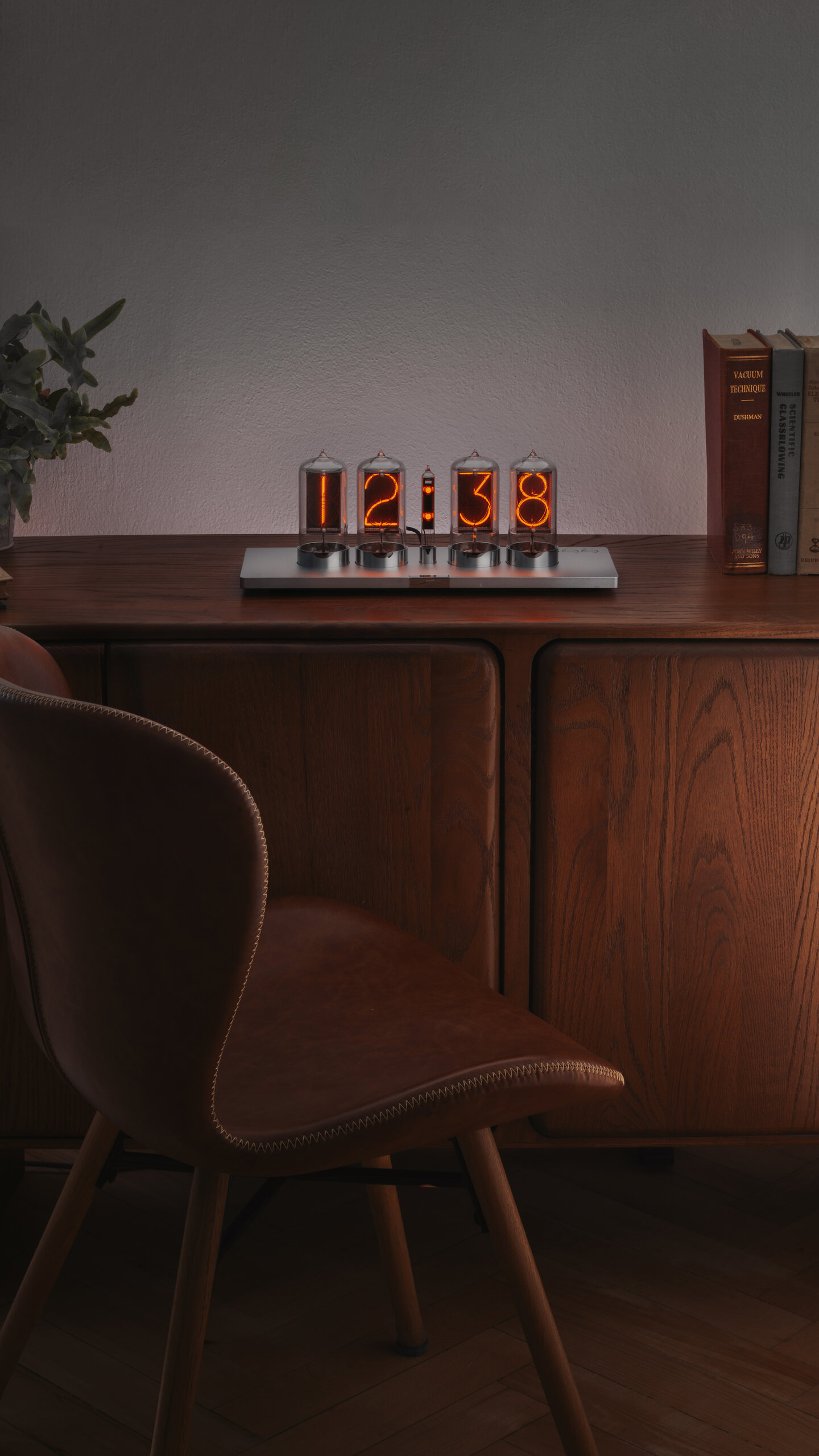
The second generation of the Puri Nixie Clock keeps what made the original special – a minimalist design where the nixie tubes take center stage – and makes it simpler to live with. The basic setup needs no app: the time is set right on the clock with three buttons, and the clock is powered over USB-C. It comes with 4 or 6 nixie tubes, currently in a silver finish.
| Technical specification | |
|---|---|
| Versions | Puri 4 (4 nixie tubes) / Puri 6 (6 nixie tubes) |
| Finishes | Silver (more finishes to follow) |
| Dimensions of Puri 4 | 376 × 140 × 140 mm |
| Dimensions of Puri 6 | 530 × 140 × 140 mm |
| Weight of the clock (Puri 4) | TBD |
| Weight of the clock (Puri 6) | TBD |
| Shipping box (Puri 6) | approx. 590 × 260 × 190 mm |
| Power input | USB-C Power Delivery, 12 V or 15 V |
| Power consumption | 5 W (Puri 4) / 8 W (Puri 6) typical |
| Recommended power adapter | USB-C PD, 12 V / 15 V, 20 W or more |
| Controls | Three buttons (− ○ +), Simple and Expert mode |
| WiFi Standards | 2.4 GHz IEEE 802.11 b/g/n |
| Backup battery | CR2032 – keeps the time when the clock is unplugged |
| User manual | Puri Nixie Clock II User Manual |
Simple to Set
Out of the box, Puri runs in Simple mode: it shows the time, and that’s all it needs to do. The time is set with three buttons right on the clock, and for most people that is the whole setup. Expert mode, for advanced users, unlocks the rest – more settings on the buttons, Wi-Fi and the advanced features.
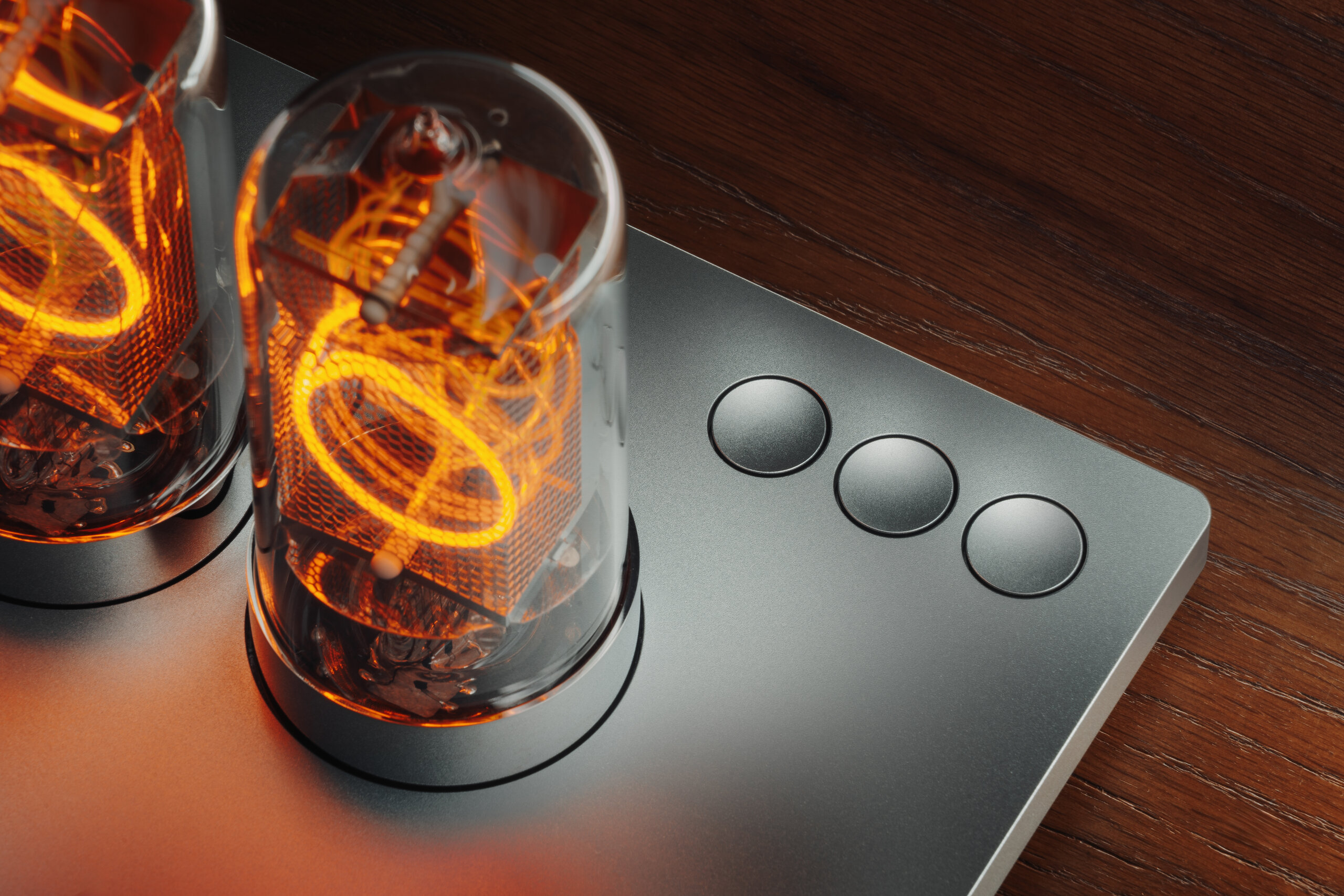
In Simple mode, press ○ to start setting the time, adjust with + and − (hold to run faster), and press ○ again to save. Hold + or − for 3 seconds to switch between 12-hour and 24-hour display.
Expert Mode
Hold + and − together for 5 seconds to switch to Expert mode – the display confirms it. Unlike the first Puri, which was set up mainly through an app, the second generation is set right on the clock; Wi-Fi is only needed for the advanced features.
No App, No Cloud
Puri needs no app and no account. Everything runs inside the clock itself – even the advanced settings over Wi-Fi are handled by the clock, not by a cloud service. It doesn’t depend on our servers or any of our infrastructure, so it keeps working on its own.
Powered over USB-C
Puri is powered over USB-C Power Delivery at 12 V or 15 V and draws about 5 W (Puri 4) or 8 W (Puri 6).
Use a USB-C PD adapter rated 20 W or more that supports 12 V or 15 V – check the adapter label, many small phone chargers offer only 5 V and 9 V.
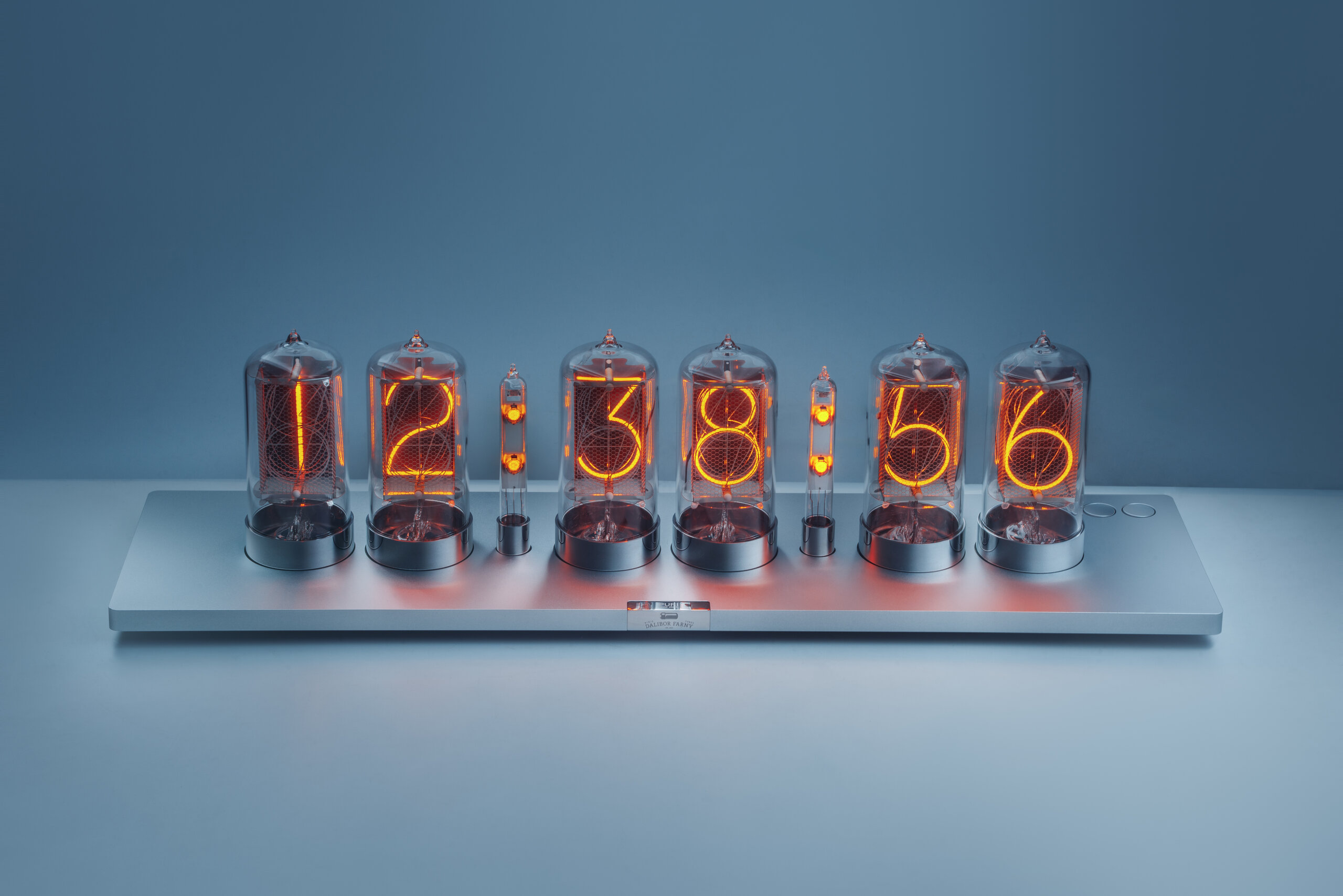
Two Versions
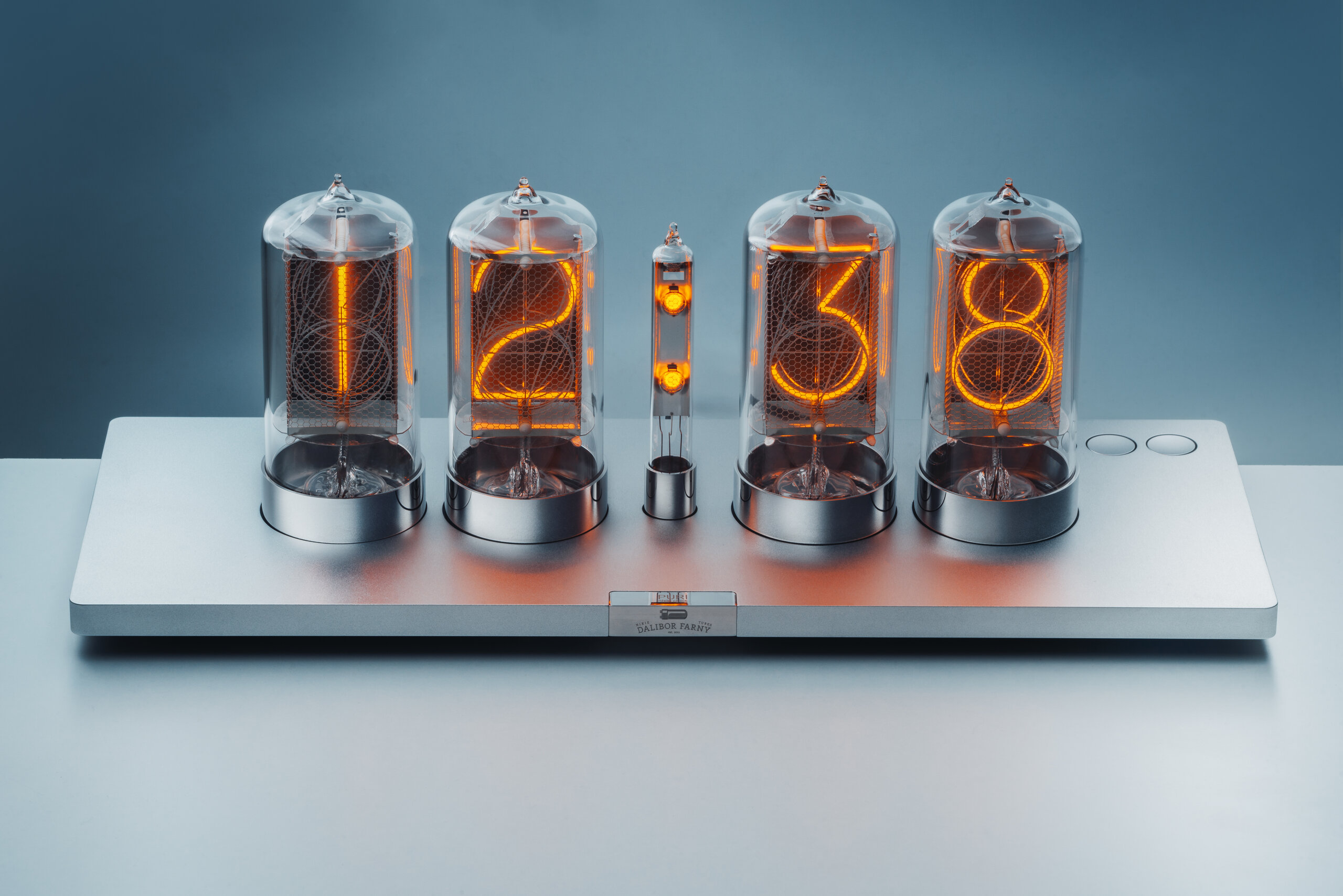
The second-generation Puri comes with 4 or 6 nixie tubes. Both versions are currently available in a silver finish; more finishes will follow.